
Mods & sound
Make Al-Marham your own.
I want it quieter
I want a different part
- 01
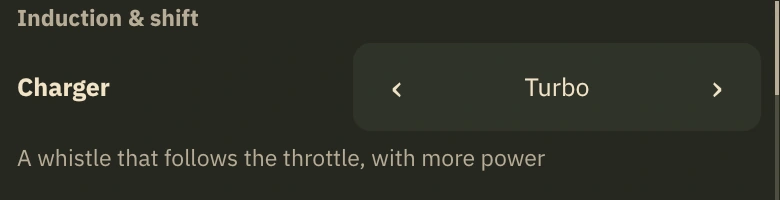
Fit an owned part with the selector
Open Pause → Car sound. Use the row’s arrows; a compatible owned part is fitted immediately. This example shows Turbo.
Illustrative UI design - 02
A locked part leads to the showroom
The lock means you do not own the part. Choose See it in your garage to open its card and check the requirement.
- 03
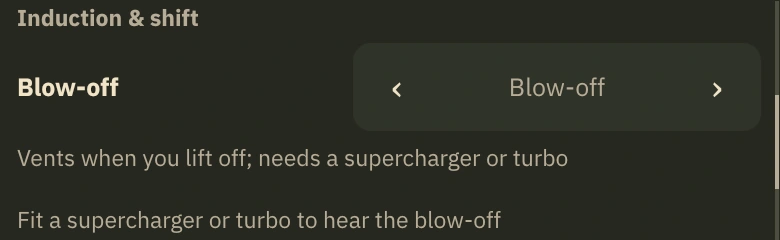
Grey explains what is missing
Read the reason below the option. Here blow-off needs a supercharger or turbo; fit an owned charger to hear it.
Illustrative UI design
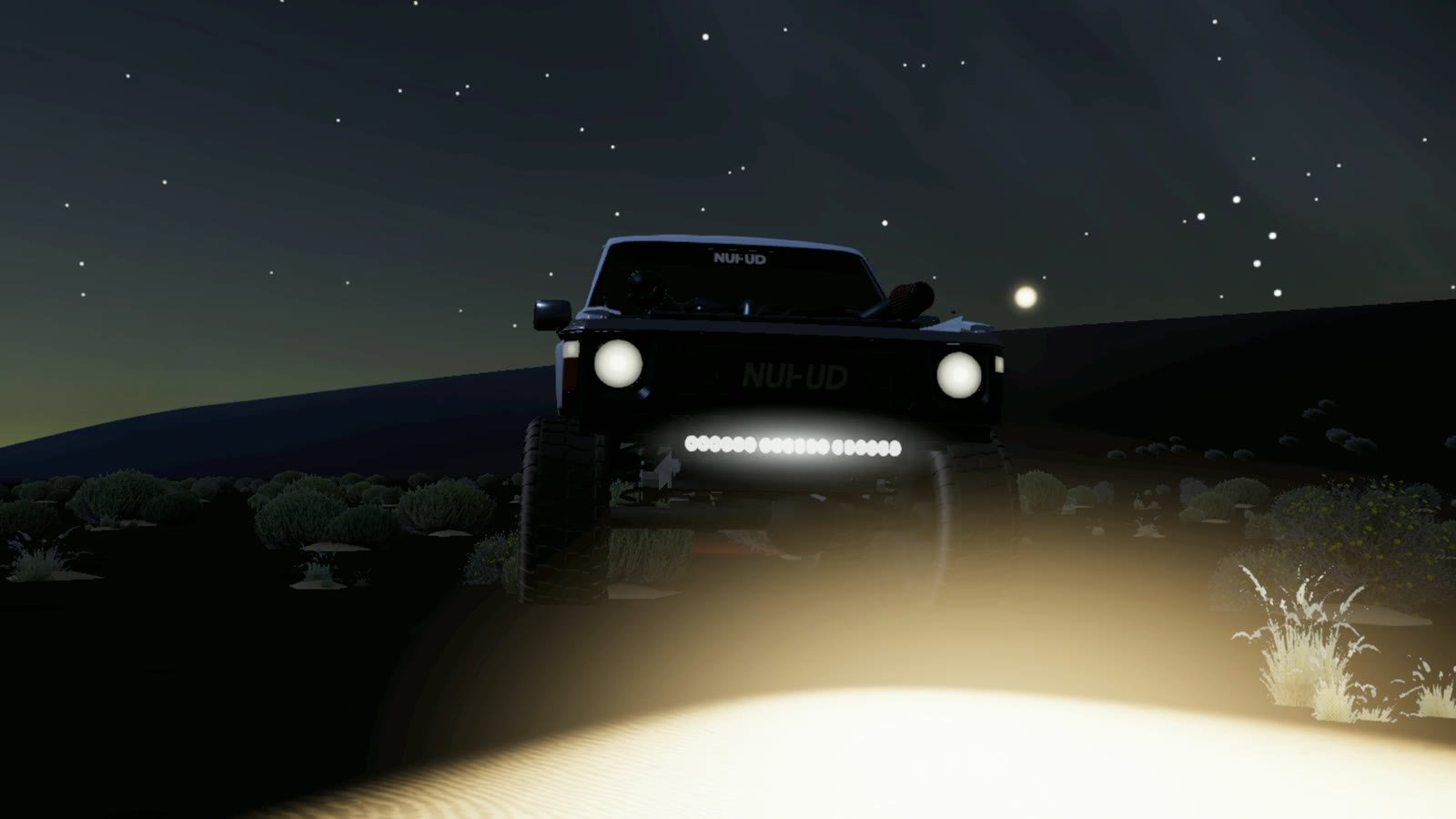
Front lights: the LED bar and the spots
You earn them by playing; they are never sold. The LED bar opens at your first nightfall, when you finish the Day world. The spots open when you finish the Night world.
Fit one of them from Style, then Front lights: LED bar, Spots or none. While driving, switch it on and off from the lights column.
Hear Al-Marham in the game
Two drives in Al-Marham, with the recorded game sound.
In-game footage
Watch the full supercharged drive
Al-Marham · Top stage
Final stage.Stronger climbs.
Before you change a part
Do all parts unlock the same way?
No. Ladder upgrades have gameplay requirements, while premium products are separate. Each showroom card shows its route.